iPaaS vs Custom Code: How to Choose Your Integration Approach
Key takeaways
- iPaaS wins on speed, connectors, monitoring and maintainability.
- Custom code wins on extreme volume, unusual protocols and full control.
- Total cost of ownership matters more than licence cost.
- Most organisations end up with a mix — choose deliberately per integration.
Every growing organisation reaches a point where systems need to talk to each other: CRM to ERP, HR to identity, contracts to finance. The first decision is how to build those connections.
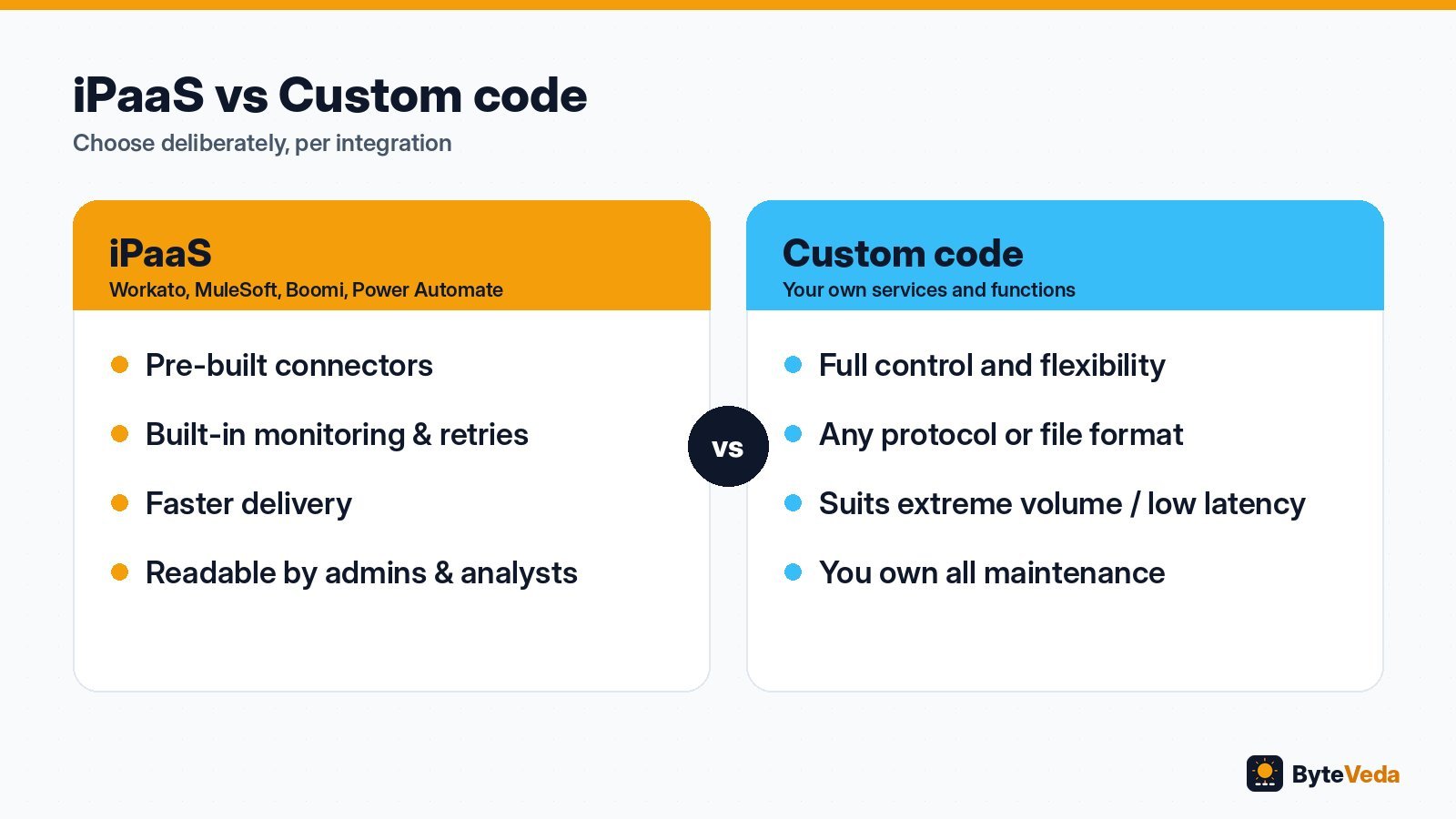
The two broad options are an integration platform as a service (iPaaS) — such as Workato, MuleSoft, Boomi or Microsoft Power Automate — or custom code running on your own infrastructure or cloud functions.
What iPaaS gives you
- Pre-built connectors for common SaaS applications, handling authentication and API quirks.
- Visual workflows that analysts and admins can read, not just developers.
- Built-in monitoring, job history, retries and alerting.
- Faster delivery for standard patterns like record sync, file transfer and approvals.
What custom code gives you
- Full control over logic, performance and deployment.
- Support for anything, including legacy protocols and unusual file formats.
- No per-connector or per-task licensing.
- Better fit for very high volumes or real-time, low-latency processing.
Side-by-side
| Factor | iPaaS | Custom code |
|---|---|---|
| Time to first integration | Days to weeks | Weeks to months |
| Skills needed | Integration specialists, admins | Software engineers |
| Monitoring and retries | Built in | You build it |
| Licence cost | Subscription, often usage-based | Low |
| Maintenance cost | Lower — vendor updates connectors | Higher — you own every change |
| Flexibility | High, within platform limits | Unlimited |
A decision framework
Choose iPaaS when:
- You connect mainstream SaaS applications with available connectors.
- Your team is small and needs to deliver many integrations.
- Business users need visibility into what the integration does.
Choose custom code when:
- Volume or latency requirements exceed what the platform handles comfortably.
- Systems use protocols or formats no connector supports.
- The integration is core intellectual property of your product.
Pro tip
Compare total cost of ownership over three years — licences, build effort, and the ongoing cost of fixing things when an API changes. Custom code is rarely as cheap as it looks on day one.
Good practice, whichever you choose
- Document every integration in an integration requirements document: purpose, data flows, field mappings, triggers and error handling.
- Use service accounts with least-privilege access, never personal logins.
- Make integrations idempotent — running twice should not create duplicates.
- Log enough to debug, but never log sensitive data.
- Name an owner for each integration.
The best integration architecture is not the one with the most power. It is the one your team can still understand and fix two years from now.